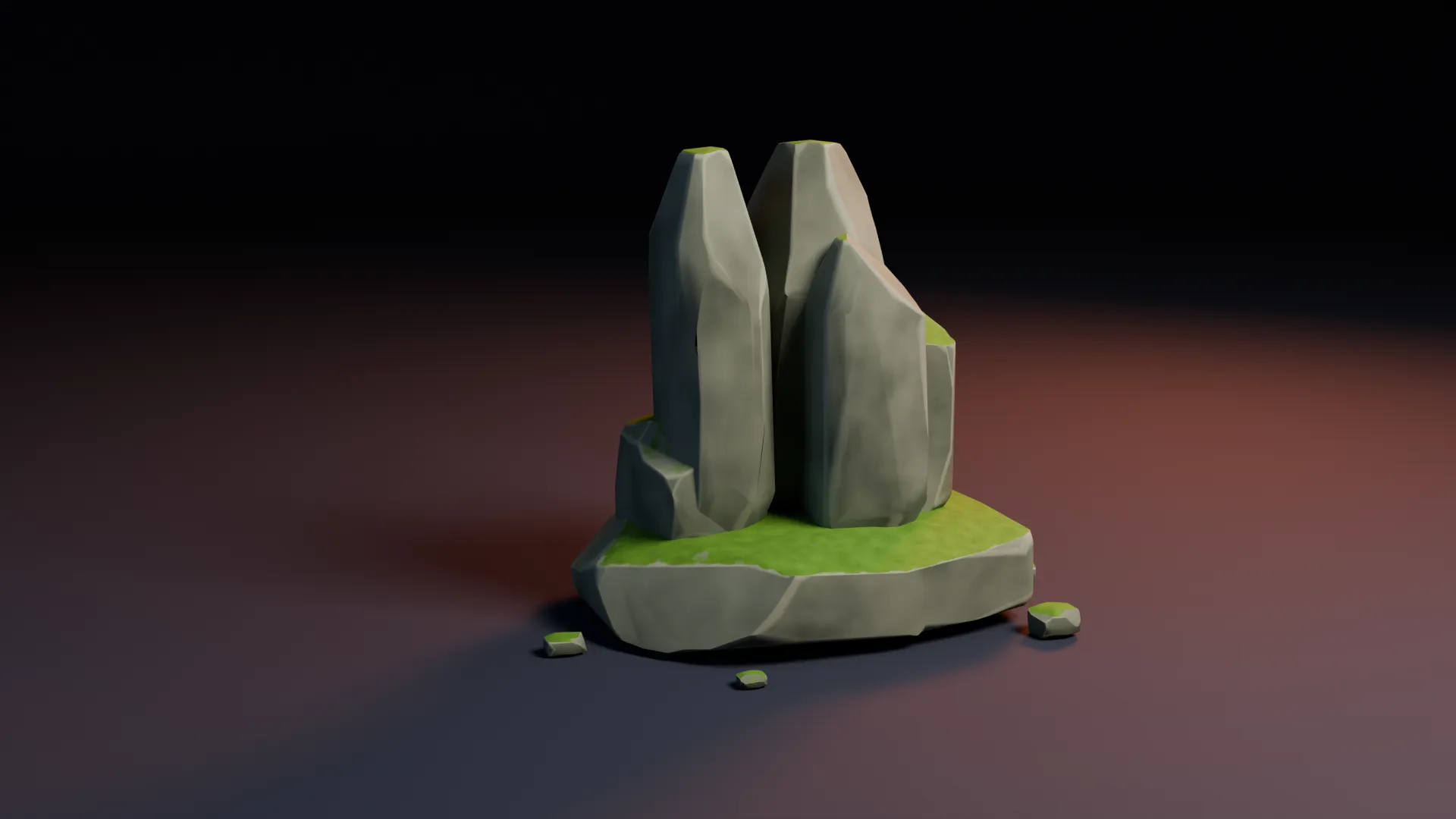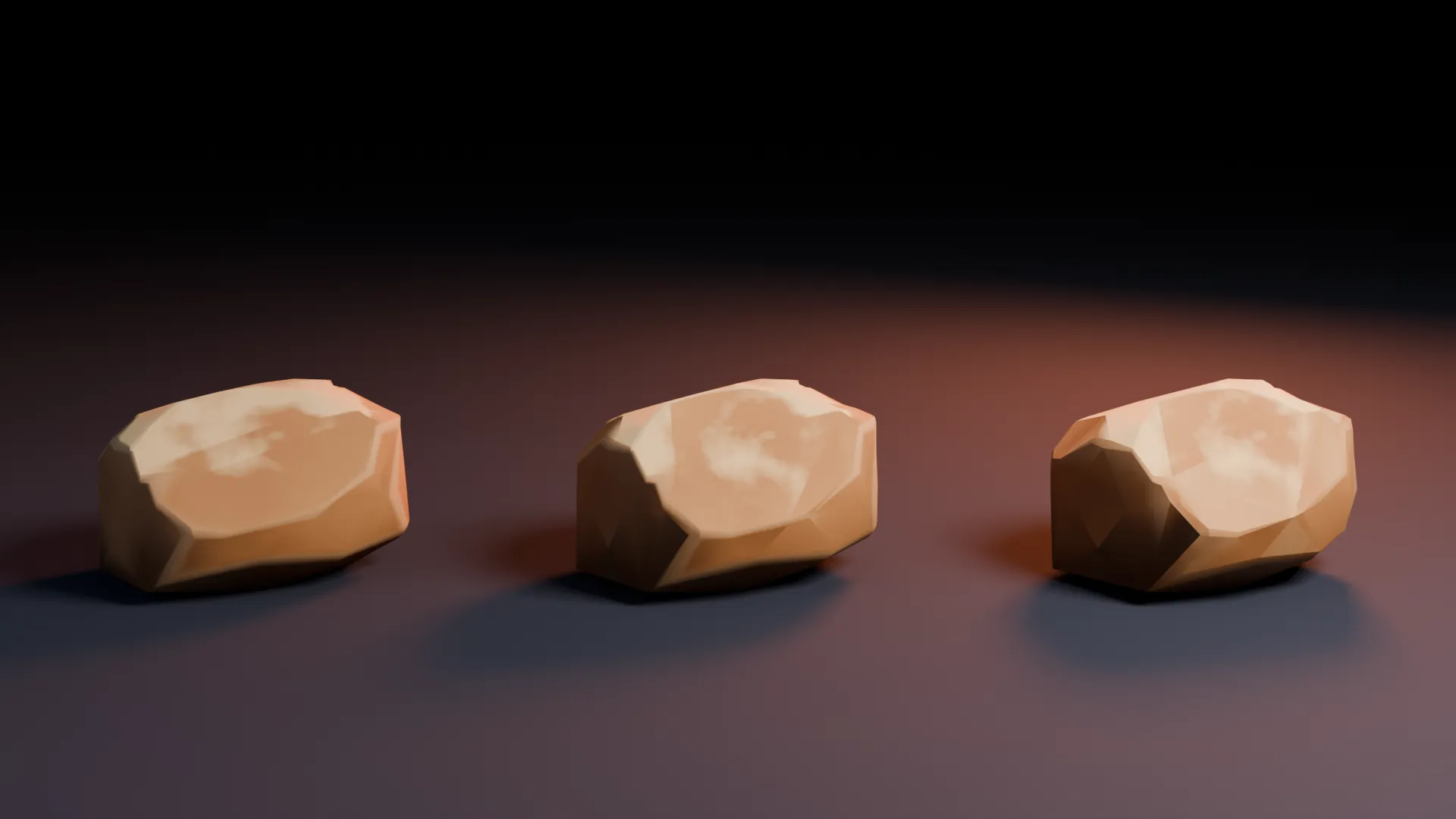

Procedural vs hand-sculpted environment art: when each one wins
Procedural or hand-sculpted? A practical comparison for indie environment artists: speed, iteration, consistency, quality ceilings and a hybrid workflow.
Every environment artist eventually hits the same fork in the road. You need forty rocks, six cliffs and a few hero landmarks by next month. Do you sculpt them by hand in ZBrush or Blender’s sculpt mode, the way environment art has been made for twenty years? Or do you build a procedural system that generates them from parameters, and spend your time tuning the system instead of the assets?
The honest answer is that neither approach wins everywhere. Each has a clear sweet spot, a cost that’s easy to underestimate, and a ceiling. This article compares them on what actually matters to a small team (speed, iteration, consistency, quality and maintenance) and ends with a hybrid workflow that uses each where it’s strongest.
Hand sculpting: every form shaped directly, one piece at a time. Photo by Jonathan Cosens Photography on Unsplash.
What we mean by each
Hand-sculpted means an artist shapes each asset directly: digital sculpting, then usually retopology, UV unwrapping, baking high-poly detail to a low-poly mesh, and texture painting. Every asset is a one-off, shaped by an artist’s decisions at every step.
Procedural means the asset is generated by a set of rules: a node graph, a script or a dedicated tool. You change inputs (a seed, a slider, a preset) and the system rebuilds the asset. Blender’s Geometry Nodes, Houdini, and add-ons built on top of them are the usual tools.
There’s a spectrum between the two. Kitbashing from a library, scattering sculpted pieces procedurally, or sculpting on top of a procedural base are all common middle grounds.
Speed: the first asset vs the fiftieth
Hand sculpting is fast for the first asset and linear after that. If a hero cliff takes eight hours, ten cliffs take roughly eighty. Skilled artists get faster with practice, but each asset still needs the full pipeline.
Procedural work is the opposite: slow for the first asset, then very fast. Building a good rock system can take days or weeks. After that, a new rock is a new seed, a new variation is a slider move, and a whole new biome might be a palette change.
The break-even point depends on how many assets you need and how similar they are. A rough rule of thumb:
- A handful of unique hero pieces: sculpting is usually faster.
- Dozens of related assets in a consistent style: procedural usually wins.
- If someone else has already built the procedural system, the up-front cost mostly disappears, and procedural wins much sooner.
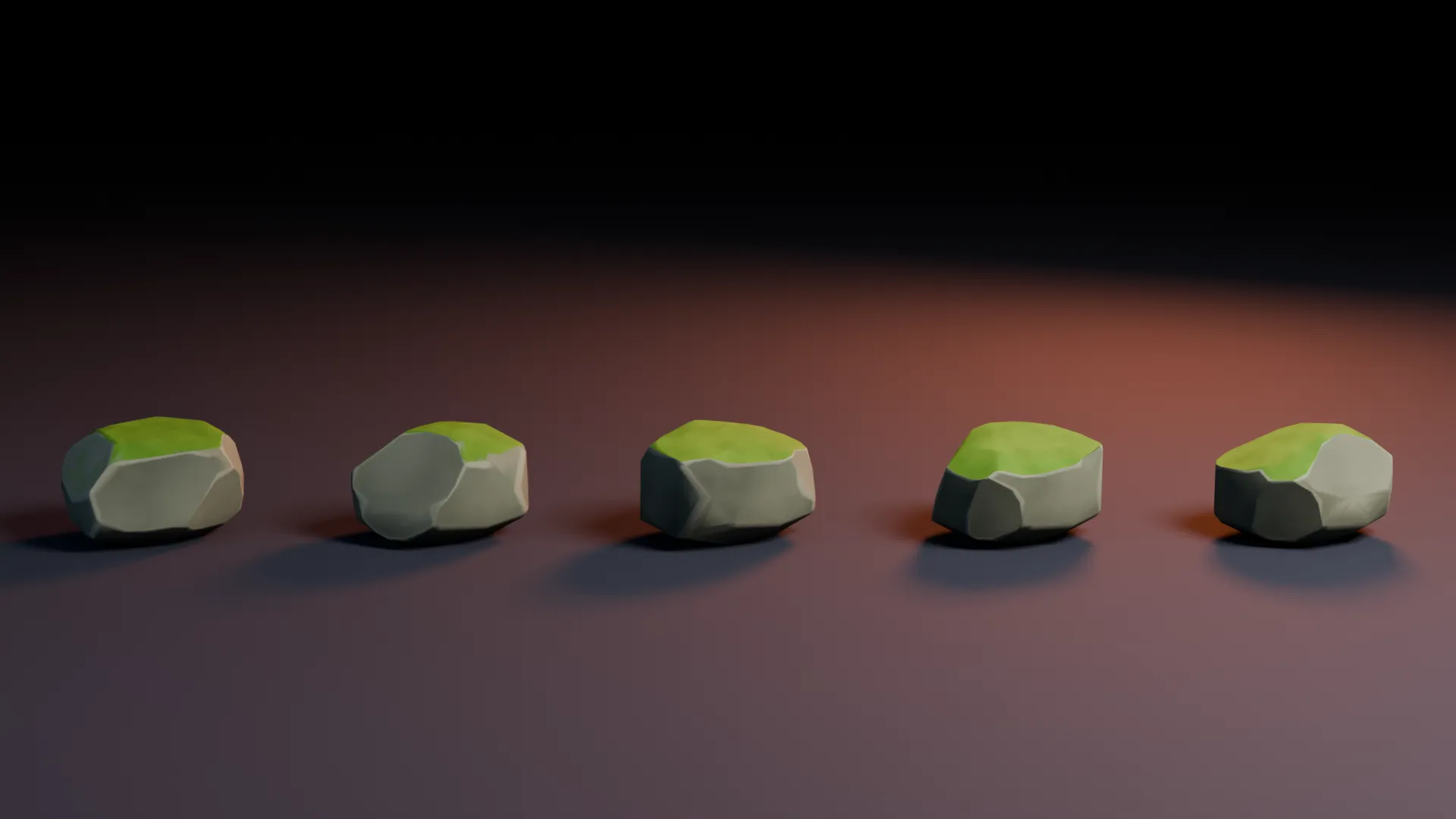
Once a procedural rock exists, variations cost one click each. The fiftieth rock takes as long as the second.
Iteration: changing your mind is expensive
Games change during production. The art director decides the rocks should be chunkier. The level designer needs a cliff two metres taller. The colour script shifts from autumn to winter.
With hand-sculpted assets, every change is rework: re-sculpt, re-bake, re-paint, re-export, for each affected asset. That cost is why many teams lock their environment art early and resist changes late.
With procedural assets, many changes are parametric: raise the height, increase the boxiness, swap the biome, regenerate. The system stays the source of truth, so a style change can ripple through every rock at once. This is the biggest practical advantage of procedural work for small teams: you can afford to keep improving the look until late in the project.
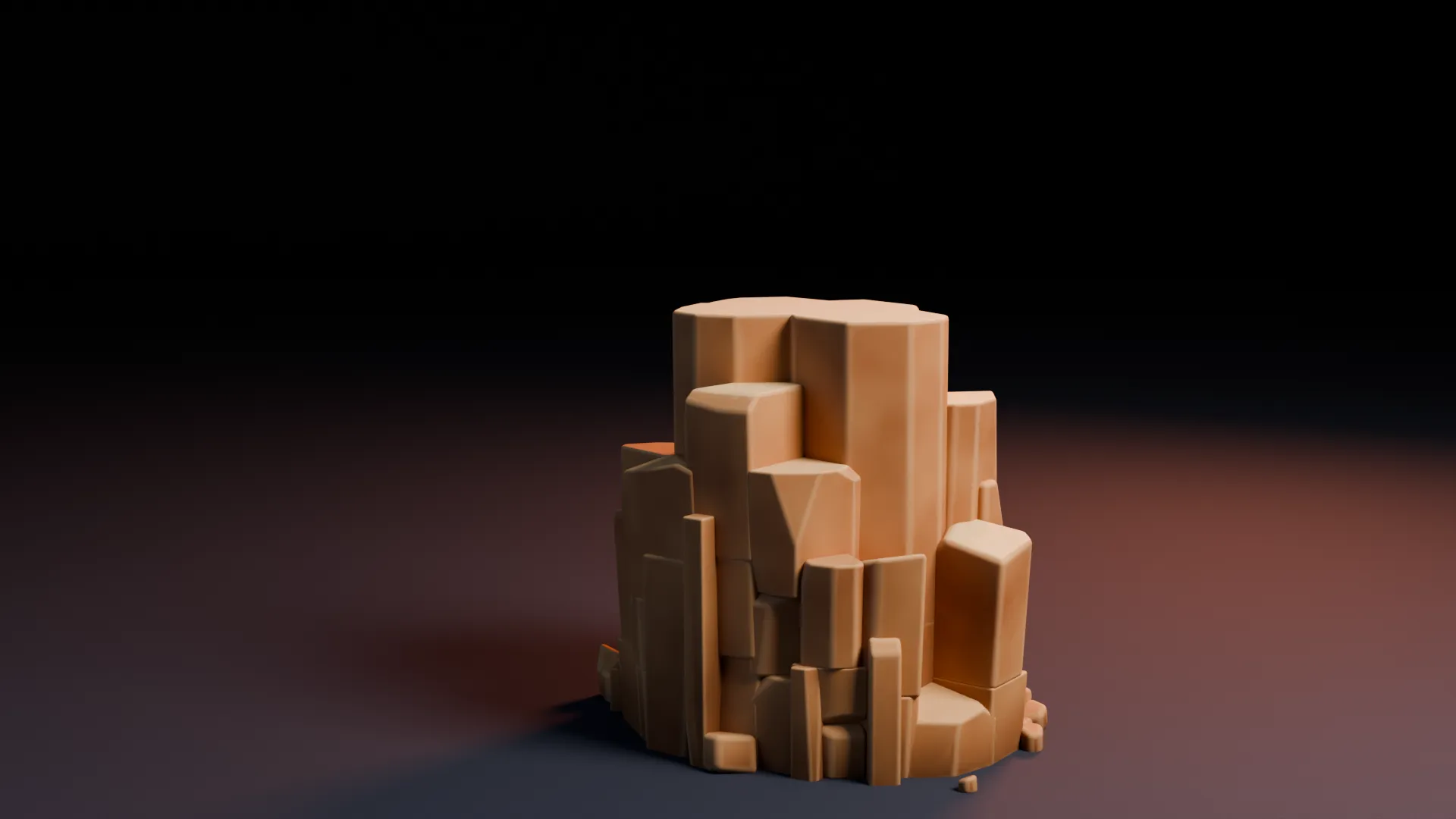
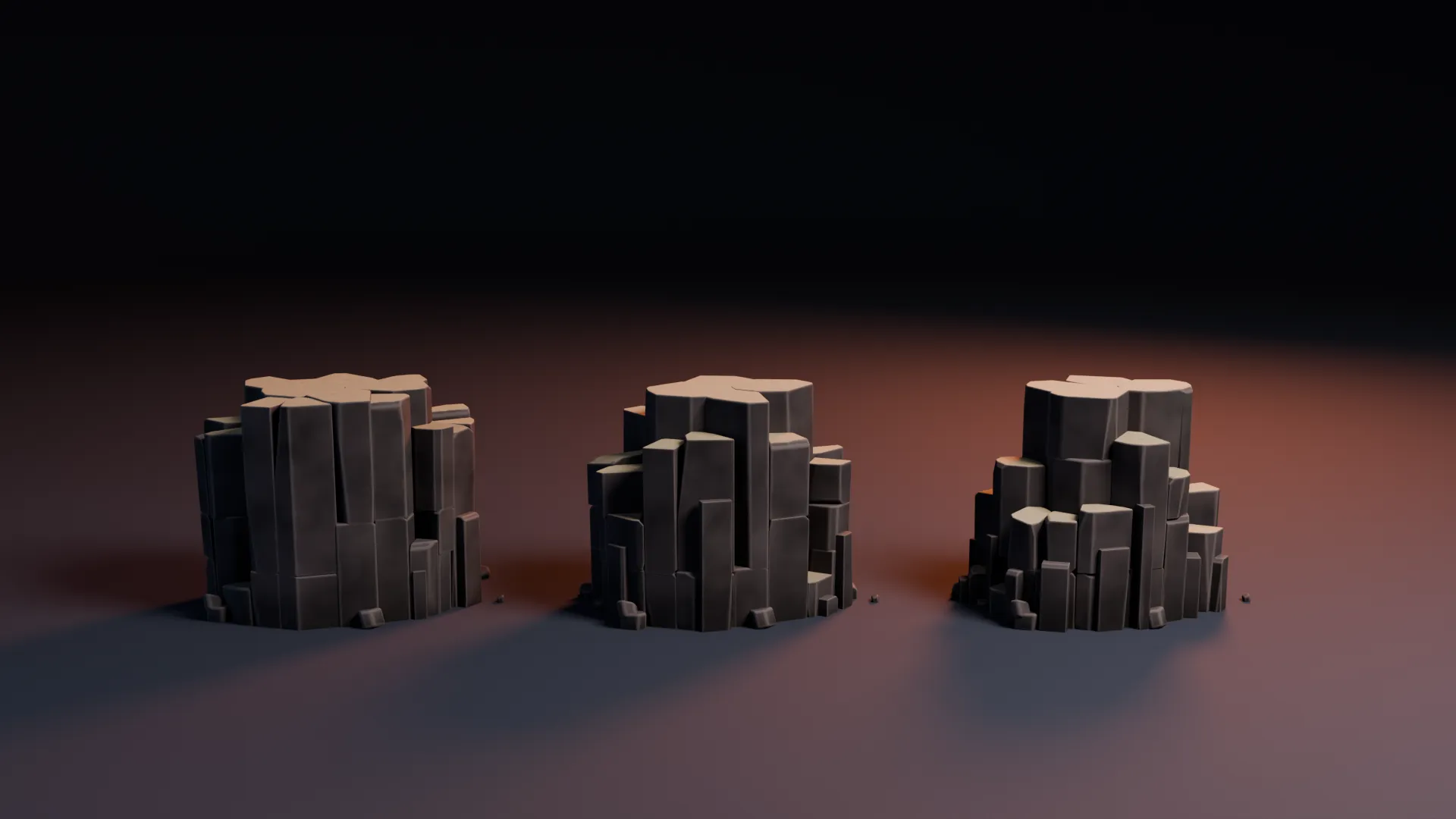
A whole cliff stays one object with one parameter list, so “make it taller” is a slider, not a re-sculpt.
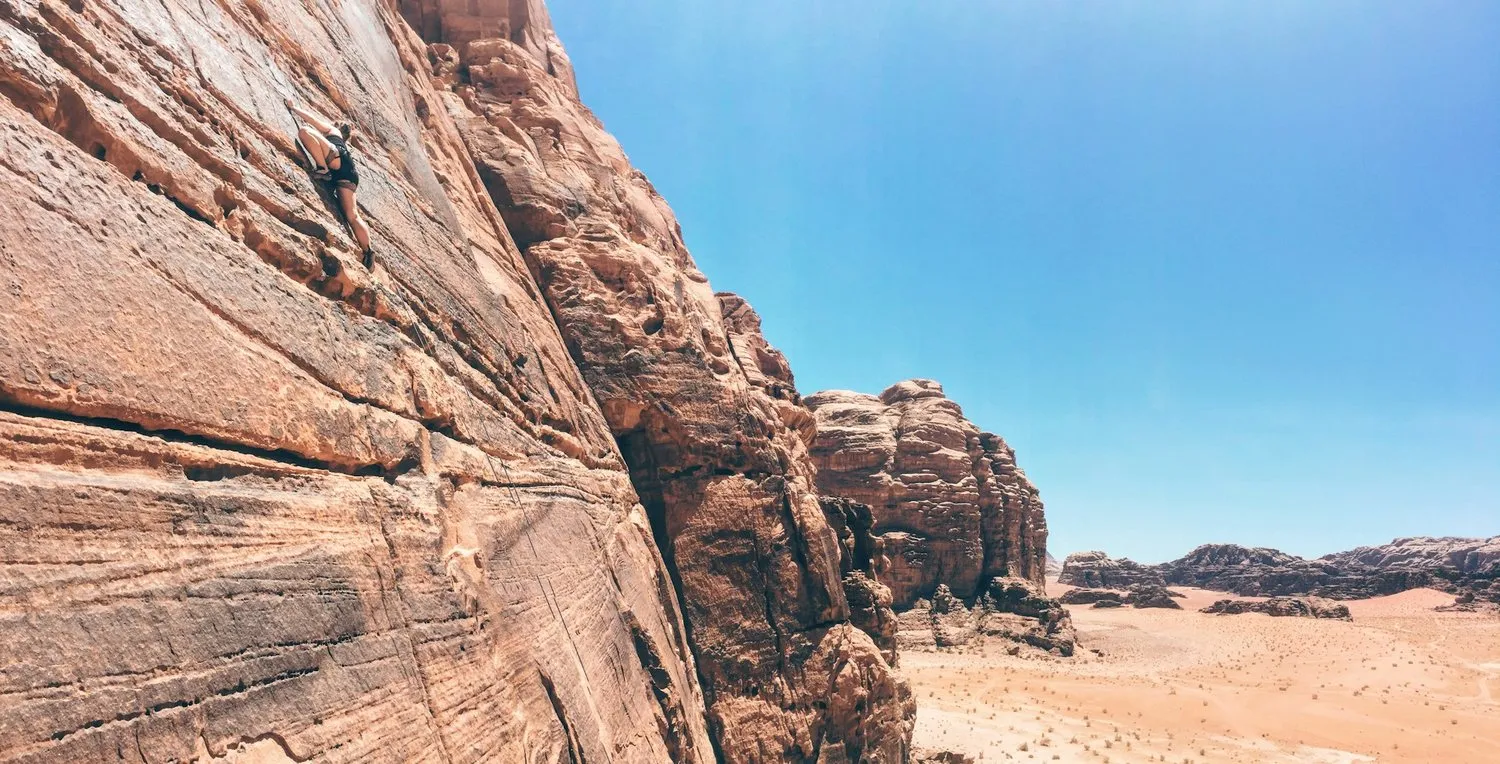
Nature is procedural too: the same rules of deposition and erosion, repeated at every scale. Photo by Daniel Burka on Unsplash.
Consistency: one hand, many assets
A coherent environment looks like it was painted by one person. Hand sculpting gives you consistency only if the same artist (or a very disciplined team) makes everything, and even then fatigue and deadlines creep in. The fortieth rock is rarely sculpted with the same care as the first.
Procedural systems are consistent by construction. Every rock gets the same bevel width, the same cover rules, the same palette, because the rules don’t get tired. That consistency is exactly what stylized art needs: it’s what makes a scene feel art-directed rather than assembled from a store.
The flip side is sameness. A weak procedural system produces rocks that all feel like siblings from the same mould. Good systems fight this with enough controls (seed, shape variation, size, proportions) and with randomness in the right places, not everywhere.
Quality ceiling: where sculpting still wins
There are things hand sculpting does better, and it’s worth being blunt about them:
- Unique hero landmarks. The giant arch the whole level is built around, the cliff shaped like a sleeping dragon: these deserve an artist’s full attention.
- Organic forms and overhangs. Deep undercuts, caves, tangled roots and flowing shapes are hard to express as rules.
- Storytelling detail. Carvings, ruins, footholds placed for a specific path, things a rule can’t know about.
- Photoreal surfaces. High-frequency detail from scans or sculpting beats procedural detail at close range.
Procedural systems win on a different axis: breadth. They excel at the hundreds of supporting rocks that make up most of a scene, the ones the player passes at a run.
Technical quality: topology, UVs and export
It’s easy to forget the technical side, and it often decides the comparison in practice.
A hand-sculpted rock needs a game mesh made from the sculpt: retopology, UVs, normal map baking and LODs. Done well, this produces excellent assets, but it’s a lot of manual, error-prone steps per asset.
A procedural rock’s geometry is created by the system, so its quality is as good as the system’s rules. A careful system can output clean, low-poly, faceted geometry, generate UVs, bake textures and write LODs and collision automatically, every time. A careless one can output messy booleans, overlapping UVs and meshes that break on export. Before committing to a procedural tool, test its export in your actual engine.
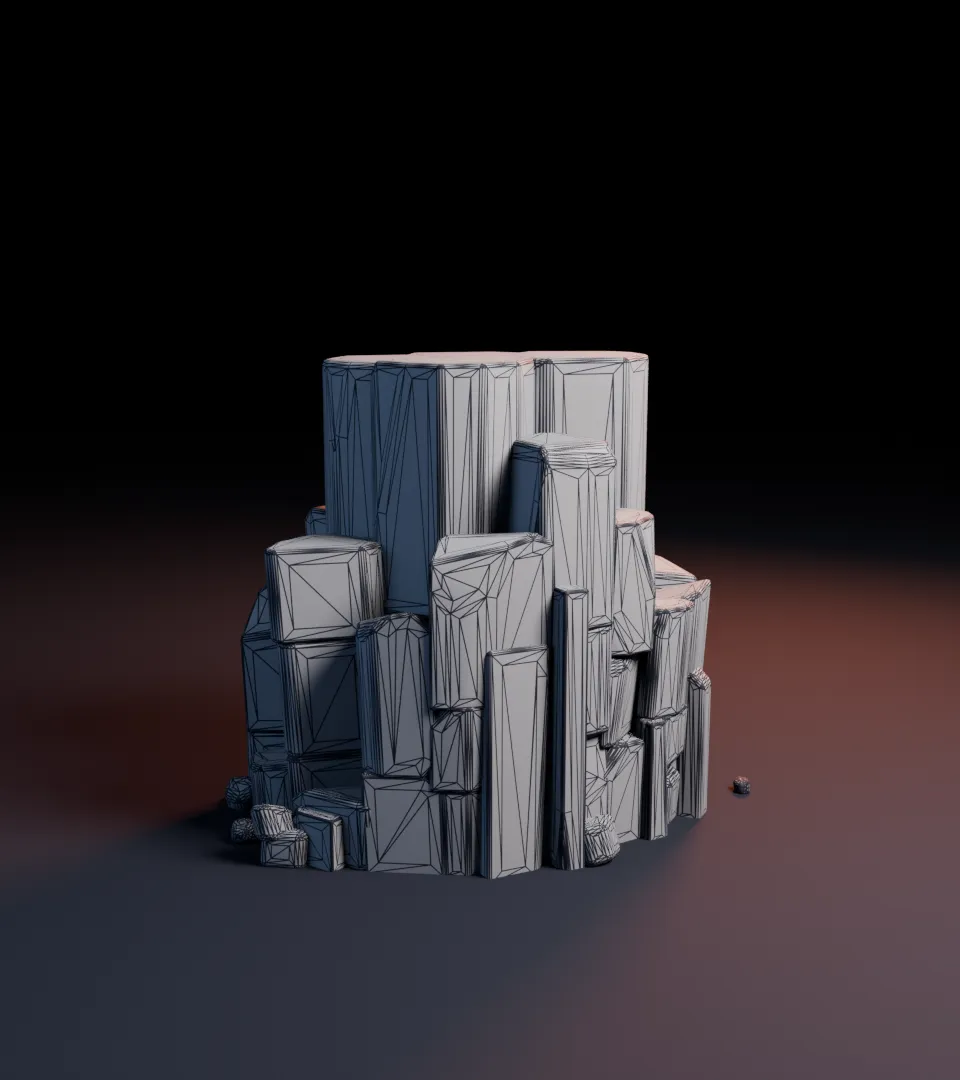
Procedural doesn’t have to mean messy. Faceted rocks built from plane cuts have clean, low-poly topology.
Maintenance and team skills
Hand-sculpted assets are independent: one broken rock doesn’t affect the others, and any environment artist can open and fix one.
Procedural systems are software. They need someone who understands the node graph or the code, they can break when the host application updates, and their knowledge can sit with one person. For a solo developer or small team, this is the hidden cost of rolling your own system: you’re now maintaining a tool as well as making a game.
Using an existing, maintained procedural tool shifts that burden. You trade some flexibility for not having to build and maintain the system yourself.
A worked example: one biome, two ways
Numbers make this concrete. Imagine a solo developer who needs one biome’s worth of rocks for a vertical slice: twelve boulders, six slabs, six pillars, a scatter of pebbles and four cliff sections. These are rough planning estimates, not measurements, and your own speeds will differ, but the shape of the comparison holds.
Sculpted by hand. Say a boulder takes about two hours from blockout to a textured, exported game mesh, a cliff section about eight hours, and pebbles an afternoon as a set. That’s roughly 24 + 12 + 12 + 4 + 32 hours: around 84 hours, or two working weeks, for one biome. A second biome with a different climate costs nearly the same again, because the textures and often the shapes need redoing.
Procedural, building the system yourself. Building a decent rock-and-cliff generator in Geometry Nodes might take two to four weeks for someone who knows the tools well, longer for someone learning. Once it works, the whole first biome might take a day of tuning and exporting, and a second biome mostly needs a new palette and a few setting changes.
Procedural, using an existing tool. The setup cost drops to learning the tool, often an hour or two. The first biome is a day; the second is an afternoon.
The takeaway isn’t that one number is right. It’s that procedural costs are front-loaded and sculpting costs are per asset. If your game has one biome and five hero rocks, sculpt them. If it has six biomes and hundreds of rocks, the per-asset cost of sculpting will dominate your schedule.
Common mistakes with each approach
A few traps catch teams on both sides:
- Over-detailing sculpts for a stylized game. High-frequency cracks and pores fight a painterly look and get lost at gameplay distance anyway. Sculpt the big planes and stop.
- Building a procedural system before the style is defined. A generator encodes decisions. If the art direction changes, the system needs rebuilding. Define the look first, then automate it.
- Randomising everything. Procedural doesn’t mean random. Random plane counts, random colours and random proportions produce noise. Randomise the seed and a few controlled ranges, and keep the style rules fixed.
- Skipping the engine test. Both approaches can produce assets that look perfect in Blender and break in the engine. Export one finished rock early and check it in-engine before making fifty.
- Ignoring the edges. In stylized work, the bevel and edge wear do much of the work. Hand-sculpted rocks often have inconsistent edge softness; procedural ones can be too uniform. Review edges side by side.
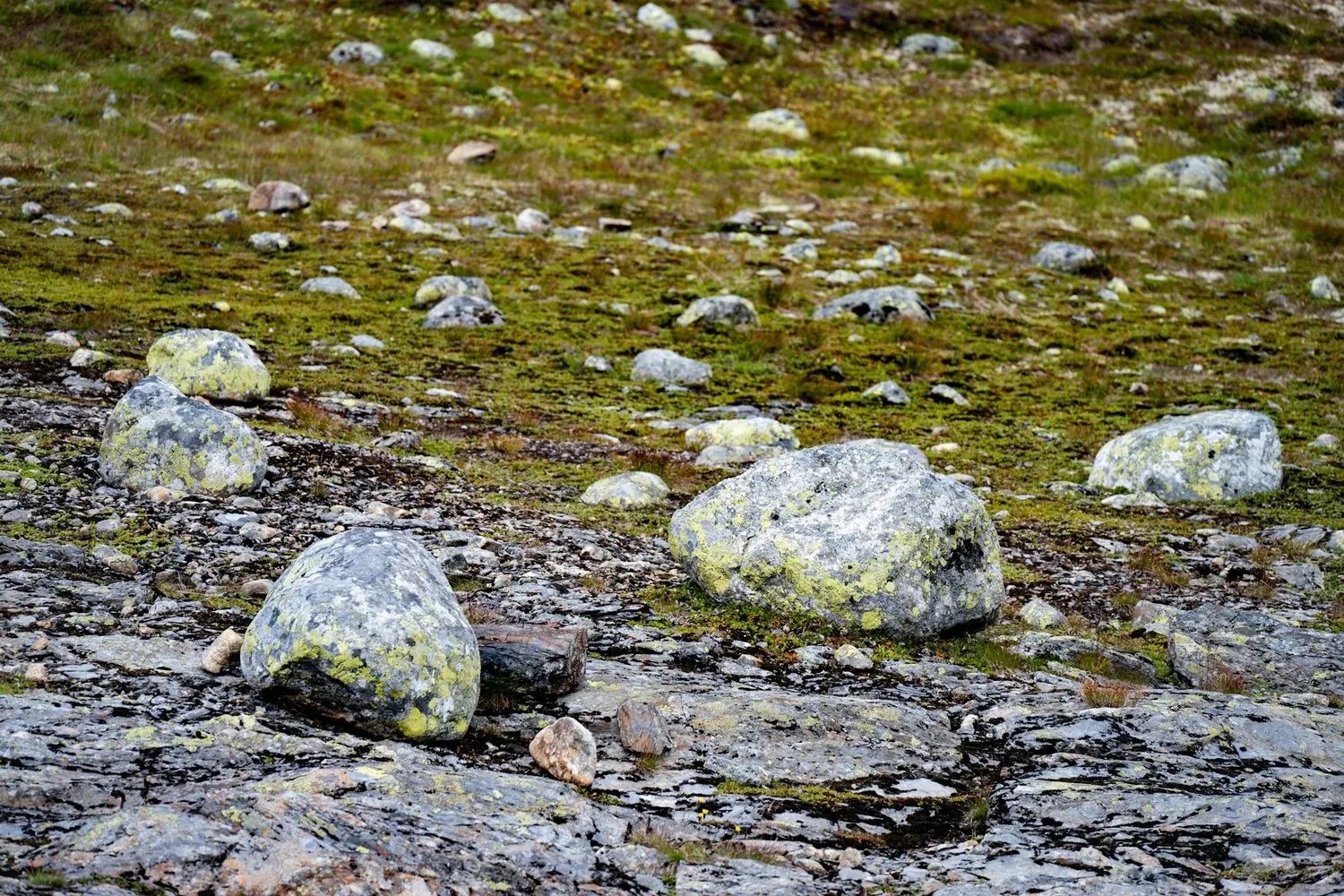
Scatter in nature: many similar stones, no two alike. Photo by Julia Taubitz on Unsplash.
A hybrid workflow for indie teams
Most successful small teams end up mixing both. Here is a workflow that plays to each approach’s strengths:
- Define the art direction first. Shape language, palette per biome, light direction, how much wear and cover. This is the contract both approaches must follow. Our article on one art direction for a small game goes deeper.
- Generate the supporting cast procedurally. Boulders, slabs, pebbles, standard cliff sections: everything that appears dozens of times.
- Sculpt the heroes by hand. The two or three landmarks per level that players will remember. Match them to the procedural set’s palette and edge treatment.
- Use procedural bases for some heroes. Generate a cliff, convert it to a mesh, then sculpt story details on top. You keep the consistent look and add the uniqueness.
- Scatter and dress procedurally, adjust by hand. Let a scatter system place pebbles and rubble, then fix the spots the camera lingers on.
- Export everything through the same pipeline so LODs, collision and naming are consistent. See exporting game-ready rocks to Unreal Engine 5.8.
Where Stonebrush fits
Stonebrush is our procedural tool for exactly the “supporting cast” part of that workflow: stylized, painterly rocks and cliffs in Blender, built from plane cuts and bevels, painted with worn edges and cover, and exported game-ready. Its Apply (Convert to Mesh) step gives you a clean mesh to keep sculpting on when a piece needs to become a hero.
We’re honest about its limits: it’s procedural, not sculpted, so it suits faceted, stylized stone and not scanned realism or organic overhangs. For those, sculpt by hand, and use Stonebrush for the hundreds of rocks around them.
The short version
| Hand-sculpted | Procedural | |
|---|---|---|
| First asset | Fast | Slow (unless the tool exists) |
| Fiftieth asset | Same cost as the first | Nearly free |
| Late changes | Rework per asset | Often one slider |
| Consistency | Depends on discipline | Built in |
| Unique heroes and organic shapes | Excellent | Limited |
| Maintenance | Per asset | The system itself |
Use procedural tools for breadth and consistency, sculpting for heroes and storytelling, and one art direction to tie them together.